Notion CRM for Freelancers: A Simple Client Workflow
Start with Clients and Projects, then keep each relationship moving with a next action and review date. This guide explains the follow-up queues and limits that matter.
A practical library for building,
organizing and working in Notion.
Workflow guides
Build the part of the workspace you need next. Start with clients and projects, then choose a guide for the database structure or recurring work behind them.
Use the section that matches your next task.
Start with the record structure you need, then choose the guide for project tracking or client follow-up.
Start with Clients and Projects, then keep each relationship moving with a next action and review date. This guide explains the follow-up queues and limits that matter.
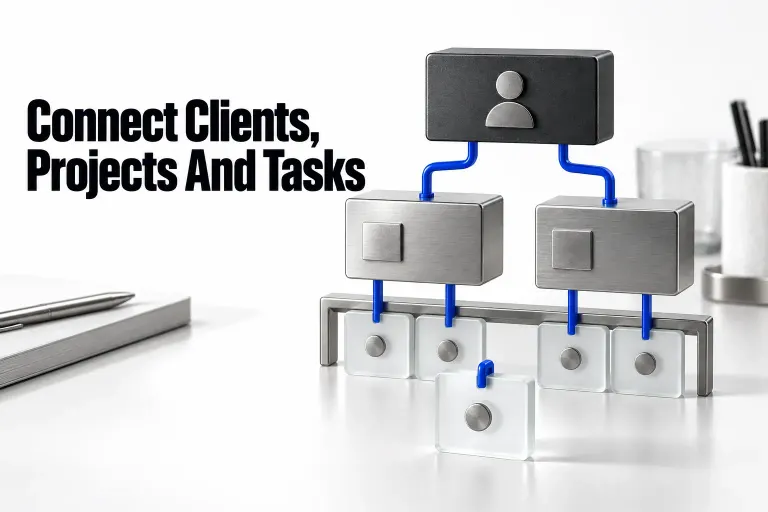
Build a small client-work tracker with clear relation limits, one shared task list, and views that show what needs attention. Includes a setup walkthrough and checks before real use.
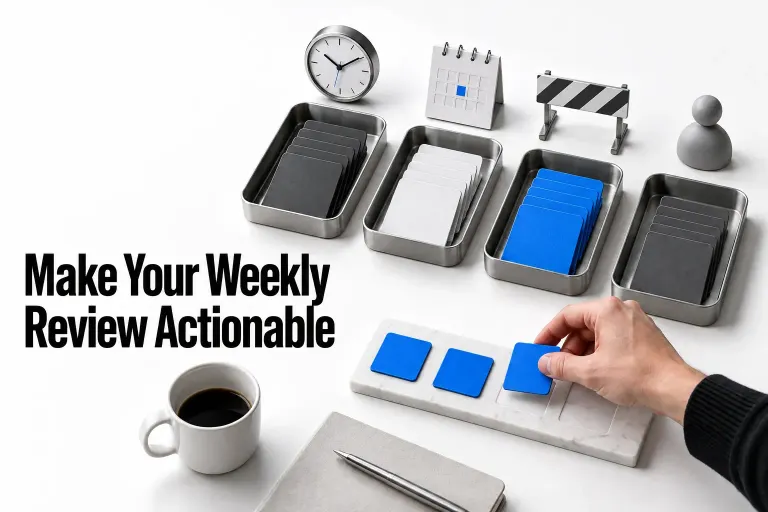
Turn existing projects and tasks into a weekly review: surface late work, upcoming deadlines, waiting decisions, and gaps that filters can hide.
Turn a client inquiry into an owned next action. Configure the form, keep responses private, and distinguish public submissions from ongoing client access.
Keep a portable project archive and a clear recovery route. Check export scope, database relationships, and missing settings before you need to rebuild.
Choose the view or tracker for the work you need to see: a board, a timeline, a calendar, time logs or a dashboard.
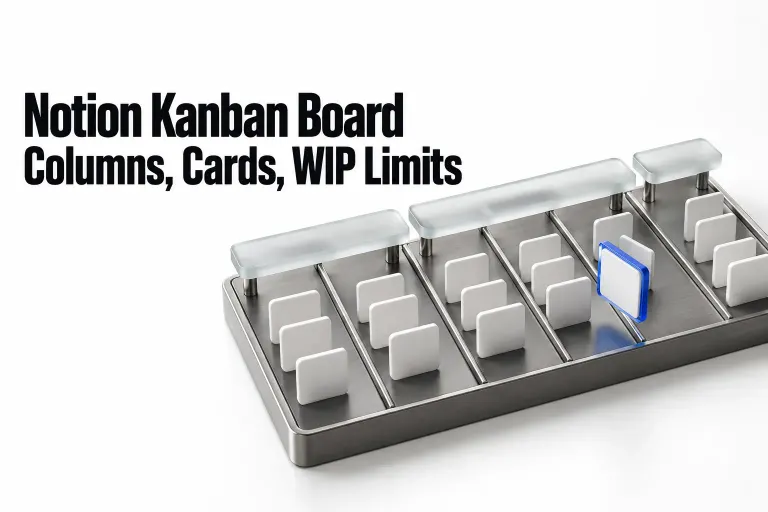
A Notion kanban board is a database in Board view, grouped by Status, where dragging a card changes its value. Build one in minutes, set six client-work columns under the three fixed Status groups, make cards show client and due date, keep a WIP limit with the column count, and hide Done.
Notion has no timer property, so time tracking means a Time entries database with Start and End dates, a dateBetween formula for minutes, rollups for project totals and Start and Stop buttons that fill in the time. Here's where that's enough and when Toggl or Everhour should hold the hours.
A Notion content calendar is one database with a page per piece, a Publish date, a Status and a Type, shown as a calendar by publish date with a board by Status. Add two deadlines, a template per content type, a related Social posts database with a promo count, and Notion Calendar for your dates.
Notion works well for project management when you build two related databases, Projects and Tasks, with a few views. It fits freelancers, agencies and small teams; skip it if you need workload planning, a built-in timer or critical-path scheduling. See the build, plan limits and a 17-point check.
A Notion timeline draws each database page as a bar from its start date to its end date. Add it from + next to a view name, plot it by one date range property, group it by Owner for workload, add a Duration formula, turn on dependencies where order matters and fix a timeline that shows nothing.
Keep one page per KPI and one row per reading. Formulas give each KPI its latest value, progress and status, a line chart shows the trend, and your plan decides how many charts you get and whether a Dashboard view is available.
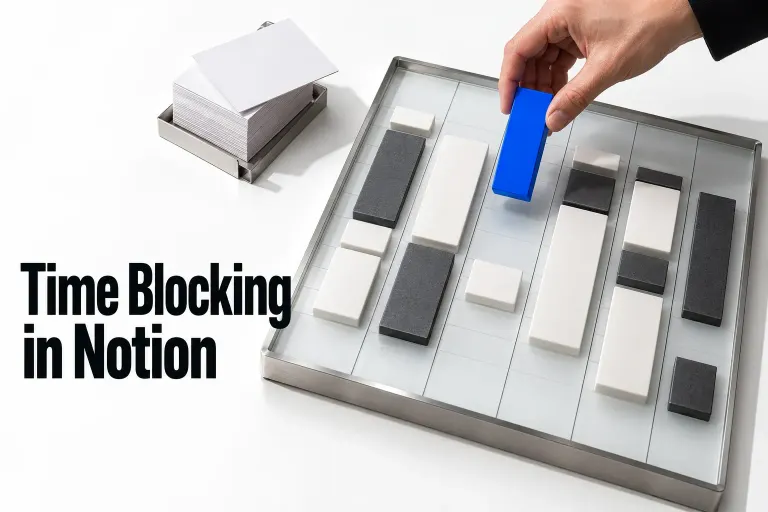
Time blocking in Notion starts with one Date property that holds each task's start and end time. Connect the task database to Notion Calendar, drag tasks from its list panel onto the hour grid, and give a real calendar event to the blocks other people must not book.
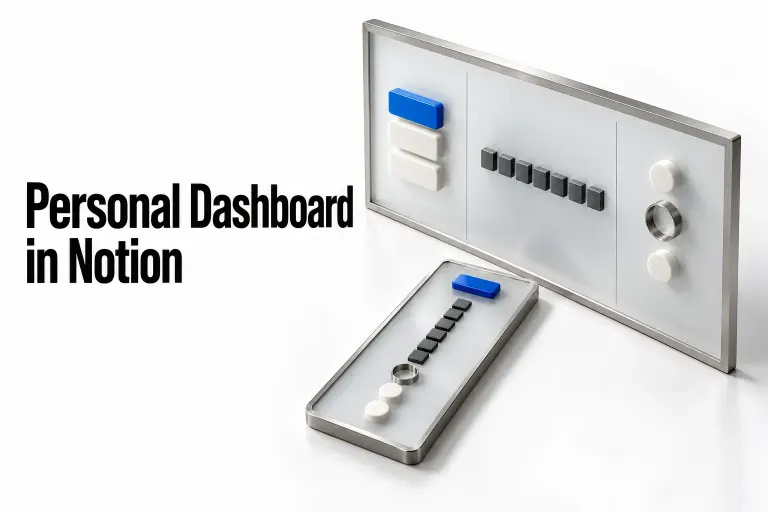
A Notion personal dashboard is one private page of linked views: today's tasks, this week's dates and a habit or goal. Build it on any plan, switch to the Dashboard view on Business or Enterprise, and check Home and My Tasks before you build anything.

A Notion checklist is either to-do blocks on a page or a small database with a Done checkbox. Here's when each one fits, how to build both, how to reuse the list without rebuilding it, and how one button unchecks every item for next week.
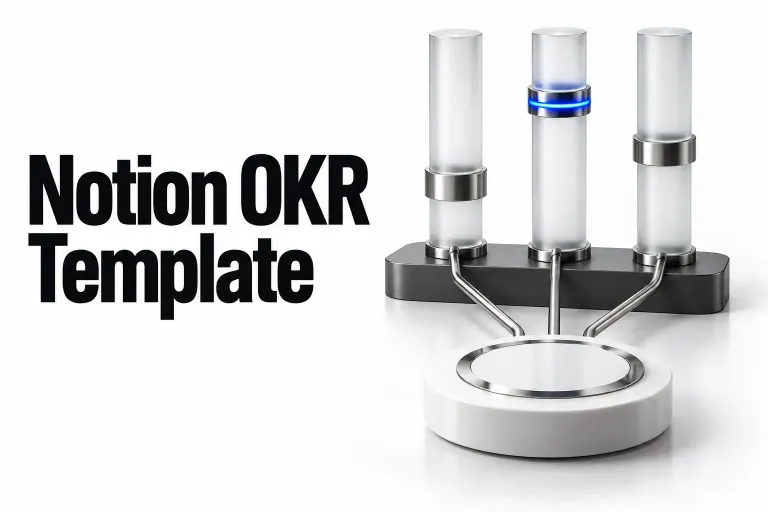
Compare 12 free Notion OKR templates, 10 with marketplace ratings, and use six questions to check any of them. The two-database build scores committed and aspirational goals, caps progress at 100% and handles targets where a lower number is better.
Set up what clients see or send you: a portal, a public page, a form that feeds a database or a survey.
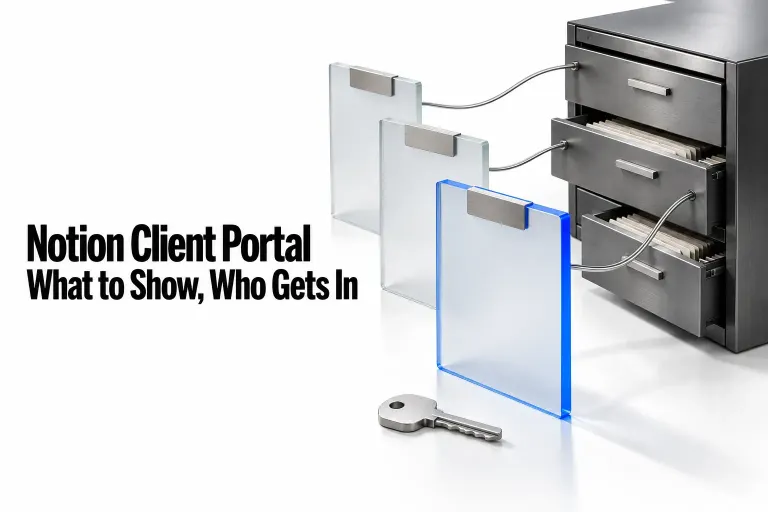
Build one portal page per client from the databases you already keep. Choose per-client databases on Free and Plus or page-level access on Business, pick a guest, public or third-party route, match each client action to its access level, and see what 35 portal templates include and cost.
Send form responses to a Notion database as new rows. Compare Tally, Typeform, Google Forms and the Notion API, then set up the fields, embed a form in WordPress or connect an existing Contact Form 7 form through Make.

Publish any Notion page as a free website on notion.site, then decide when your own domain is worth $8 a month on annual billing. Covers the publish steps, key settings, DNS records, privacy checks, costs, and mobile Lighthouse results for notion.site pages against Super, Feather and Simple.ink.
Yes, native Notion forms work as surveys on every plan, and each submission lands as a database row. Choose the share setting that decides anonymity, collect scores as Number questions, turn 0–10 answers into an NPS with one formula and a chart, and move ranking or matrix surveys to Tally.
Choose a guide for the records, links, properties or views you want to organize.
Connect each project to its client, then calculate only the values that answer a useful question.
Choose the layout from the next client-work decision, then set its source, fields, filters, dates, and access. Includes a small project example and current Chart, Form, and Dashboard conditions.
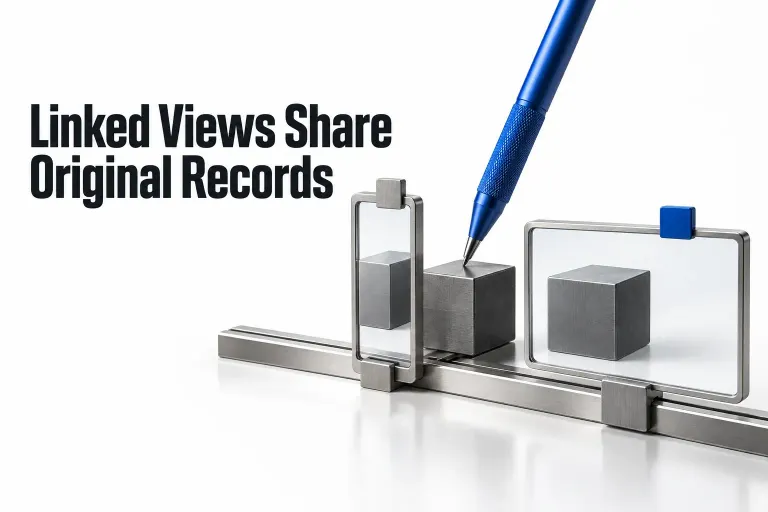
A linked view shows the same records in another place. Separate shared edits from local view settings, check the source, and remove the link safely.
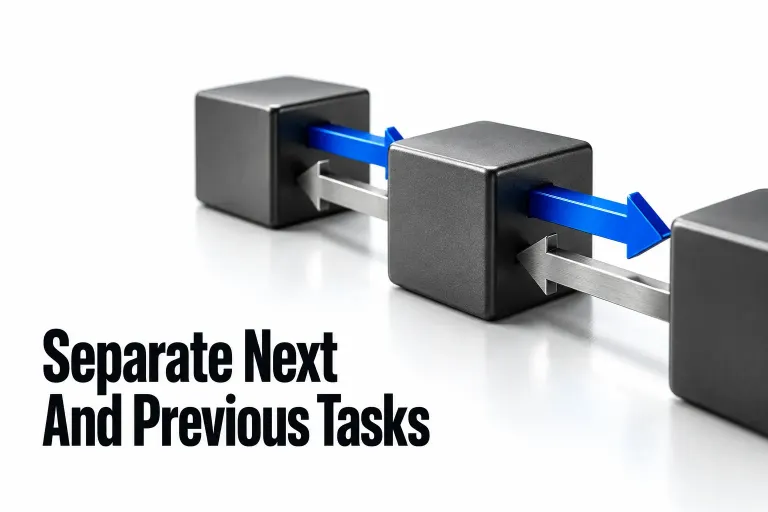
A one-property self-relation can show a link both ways. Use paired Next and Previous properties when task order needs a clear direction.
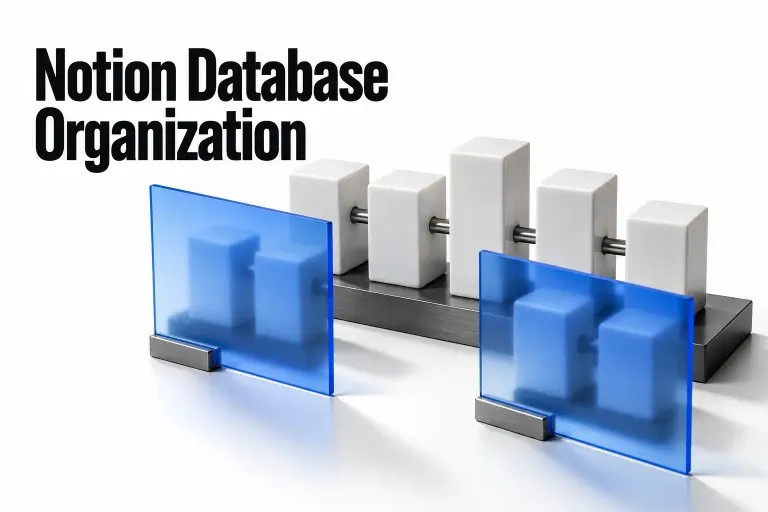
Keep one Notion database per kind of record, connect them with relations and use filtered views for every subset. Here's when a split is justified, which property answers which question, Notion's published database limits, and a clean-up order that keeps each step reversible.
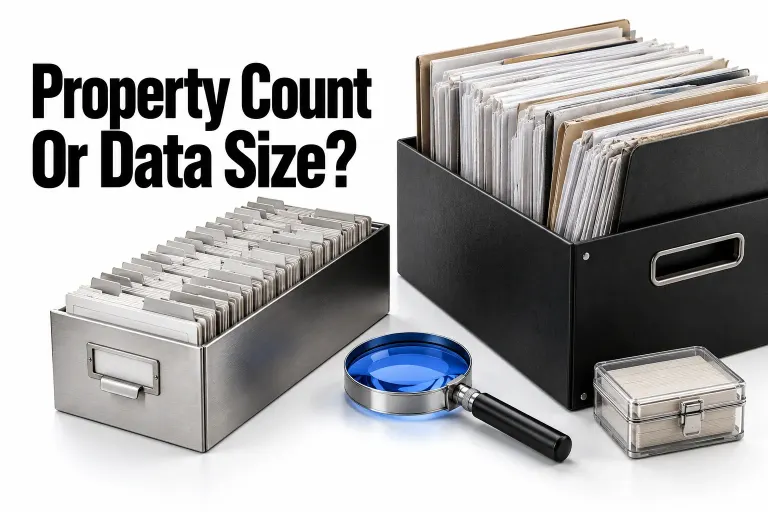
The 500-property cap is only one limit. Check database structure and per-record data size, then preserve useful values and dependencies before removing fields.

Highlight the records that need attention with a rule in one database view. Check current support, Table-only property coloring, and the values that should match.
Notion has two tables: a simple table for text people read and a database in table view for records you track. Here's how to insert each one, shape it, convert between them and bring spreadsheet data in.
A Notion gallery view shows each database page as a card, and Card preview decides which image sits on top. Here's how to add the view, where each image source lives, what size to upload, and the exact settings for a mood board, a team directory and an asset library.
A Notion CSV records a database's values at export. Export on desktop or mobile, compare an October 24 sample of 11 sources, prepare relation/date helper columns, and open the file in Excel or Google Sheets. Includes the Enterprise workspace API option.
A Notion synced database is a one-way copy of another tool's records. See which route fits GitHub, Jira, Salesforce, Asana and GitLab, the plan each needs, where the old 20,000-row cap came from, and how history windows and sharing can remove pages or expose records.
A Notion tag is an option in a Select or Multi-select property, so tags live on database pages. Add a Multi-select, edit and lock the list, filter and color views by tag, handle pages outside a database, and build a shared Tags database only when two or more databases need the same tags.
A Notion filter lives on one database view. Add a simple filter, switch to an advanced filter for AND and OR groups, decide who sees it with Save for everyone, sort and group rows, filter linked views and dashboards, build self-referencing filters in templates and give each automation its own view.
Add a Chart view or type /chart, then choose a chart type. Configure bar and line axes or donut Data settings, check a drilldown and export PNG or SVG. Free gets one chart; paid plans get more. Choose a different route for dashboards, page graphs, flowcharts or Gantt schedules.
Notion calls subtasks sub-items: full rows linked to a parent task. Turn them on in database settings, choose nested or flattened per view, keep filters from hiding them, add a progress formula, close the parent with an automation on Plus, and move sub-items out before you delete a parent.
Fold long pages into toggles, embed outside content and speed up editing with the keyboard.
Notion has two kinds of toggle: toggle lists for optional detail and toggle headings for the sections of a page. Here's every documented way to make each, how to fill them, how to open or close one, a selection or all of them, and the one limit to plan client pages around.
Learn cmd/ctrl + P, cmd/ctrl + / and the block-type keys first, then type markdown for the rest. Every shortcut here lists the Mac and Windows keys separately, including the control-key peek exception, plus the entries popular cheat sheets get wrong.
To embed in Notion, type /embed and paste the content's https link. Here's when a bookmark, mention, synced block or HTML block fits better, what the HTML block tests found, widget and video steps, and how to put a Notion page on your own website without a paid service.
Press Cmd+Z or Ctrl+Z for the last edit, or use the ••• menu on mobile. For older changes, copy blocks back from Version history or restore the page; deleted pages wait in Trash for 30 days. Plus database properties, database restores, AI and agent edits, plan limits and support backups.
Notion has two tables of contents: a block you add with /toc and an outline on the right that shows once a page has two headings. Here's how to add and place the block, color it, turn the outline off, fix missing headings and list only the sections you choose.
Notion is a good home for notes that belong to a client, project or meeting. Here's how to set up one Notes database with a single Type property, capture notes from your computer or phone, write faster with Markdown, find notes later with search and backlinks, and which plan limits matter.
Add a Notion code block with /code, the + menu or one shortcut. Here's how to pick the language, wrap, copy and caption code, when inline code is enough, how Mermaid diagrams work, what to do without line numbers, and what survives paste, import, export and the API.
A Notion backlink points to a page you can access that mentions the page you're on. Create it with @ or [[, find it near the title, set how database pages show it, and use a relation when you need a list you can filter.
Set a cover, icon, font or background color, switch to dark mode, and break up a long page with callouts, dividers or widgets.
Most Notion widgets are small web apps you embed from Indify, WidgetBox or Apption. Notion also has iPhone and Android widgets and a Dashboard view. Here's which to pick for clocks, weather, timers and your own data, with free limits, prices and the rules for phones and shared pages.
Notion's help gives one rule for covers: at least 1,500 pixels wide, because the crop changes with the window. Use 1500 × 600 px, the size most guides publish, keep the subject in a centered band and the file under 5MB, then set gallery cards, API covers and fixes for blurry or cut-off banners.
A Notion icon marks a page at its top left and in the sidebar. Add one from the Emoji, Icon or Upload tab, upload custom icons at 280 × 280 pixels, compare 14 free icon packs by size and dark-mode support, turn a logo into a custom emoji and fix icons that vanish in dark mode.
Notion gives you background colors for text blocks, callouts and simple table cells. Here's every way to apply and remove one, how to color callouts, simple table rows and databases, the published hex codes, and the closest thing to a colored page.
Set Appearance to Dark in Settings → Preferences, or press cmd/ctrl + shift + L. Here's the route on desktop, web and mobile, when Use system setting makes sense, how High contrast helps dim text, and how to give a published Notion Site its own dark theme.
Every Notion page offers Default, Serif and Mono. Notion's code puts the system font under Default, Lyon Text under Serif and iA Writer Mono under Mono. Switch styles page by page, size text with Small text, headings or zoom, and see which workarounds are worth using.
Type --- or /div for Notion's thin, light gray divider, the only line that resizes with its page or column. Colored and thicker lines come from an equation with a fixed length, vertical lines need columns that stack on phones, and image, character and sidebar lines each fit one job.
A callout is Notion's boxed-text block with an icon, made for tips, warnings and notes. Here's how to add one, turn text into one and back, get the gray-outline or colored look, what to put inside, and when a synced callout or a native button fits better.
Decide what Notion should hold, organize workspaces and teamspaces, work offline, and connect your calendar, chat, web clipper or automation tools.
For your own script or a paste-a-token tool, create a personal access token in the Developer portal; for a team automation, a workspace owner creates an internal connection. Store the key in an environment variable, check it with GET /v1/users/me, and know how to rotate or revoke it.
Notion Web Clipper saves pages from Chrome, Safari and your phone. Install it, send clips to one database to keep web-page URLs together, sort them in a No Type yet view, and fix common problems by symptom.
Yes, Notion works offline, but only in the desktop and mobile apps and only for pages that finished downloading to that device. How to mark pages, what each plan downloads, why subpages and database rows get left behind, what happens on reconnect, and a checklist for before you lose connection.
Use Notion for lists you keep coming back to: tasks and projects, notes and a wiki, planners, trips and content plans. Tasks appear on all six readable ranking pages, notes on five. Start with one database for one job; Free covers a solo setup, and Plus is $10 per member per month billed yearly.
Notion Calendar puts Google events next to your Notion database dates for free. For a public embed, use a calendar made for sharing and check events marked Public. Test a Zapier or Make sync on a copy.
Add Notion from Zapier's Apps page and share only the database the Zap needs. Pick a first Zap, see how tasks are counted, avoid the documented limits that break Notion Zaps, and know when Notion's own automations or Send webhook do the job without Zapier.
A teamspace is an area of your Notion sidebar with its own members, permissions and settings. Create one with the + next to Teamspaces. Open and closed work on every plan; private needs Business or Enterprise. Compare roles, permission limits and archive rules before adding more.
Most people need one Notion workspace, organized with top-level pages, teamspaces and guests. Here's when a second workspace is worth its separate bill, and how to create, switch, join, leave, move pages between, export and delete workspaces.
Find the setup guide for a repeating task, a reusable starting record or an automation rule.
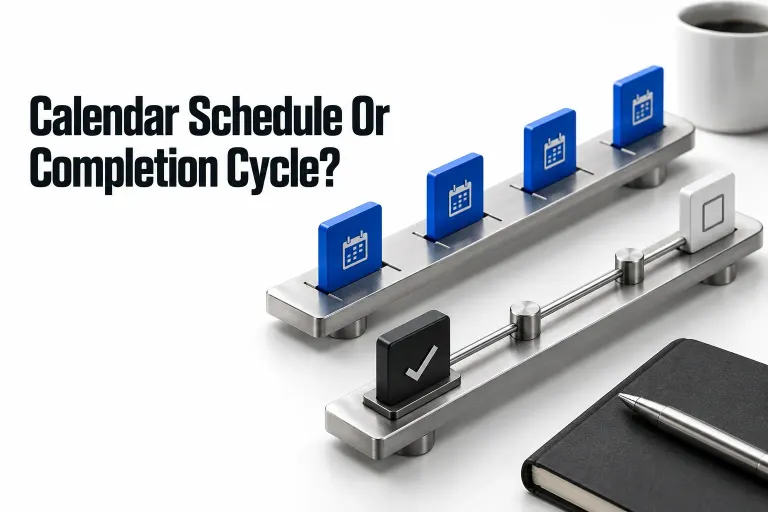
Choose what starts the next task: a calendar date or the actual completion of the previous cycle. Keep deadlines, task history and duplicate checks explicit.
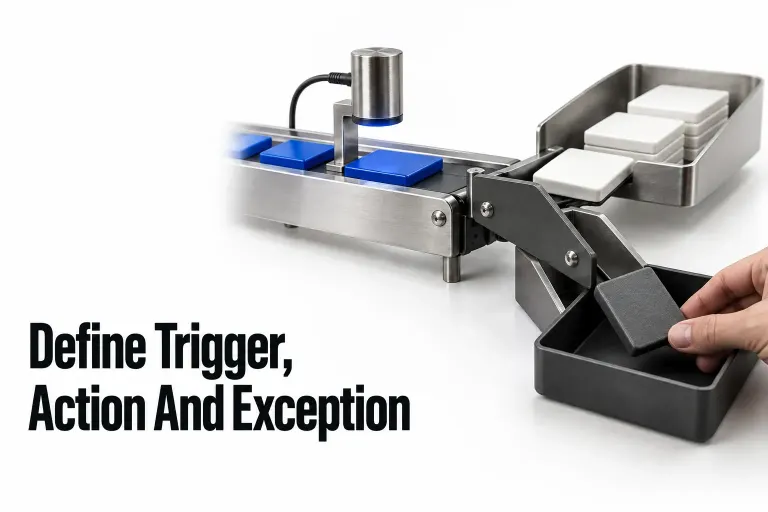
Plan a native Notion handoff before building it: define the event, eligible records, target, exceptions, and the evidence you need before retrying.
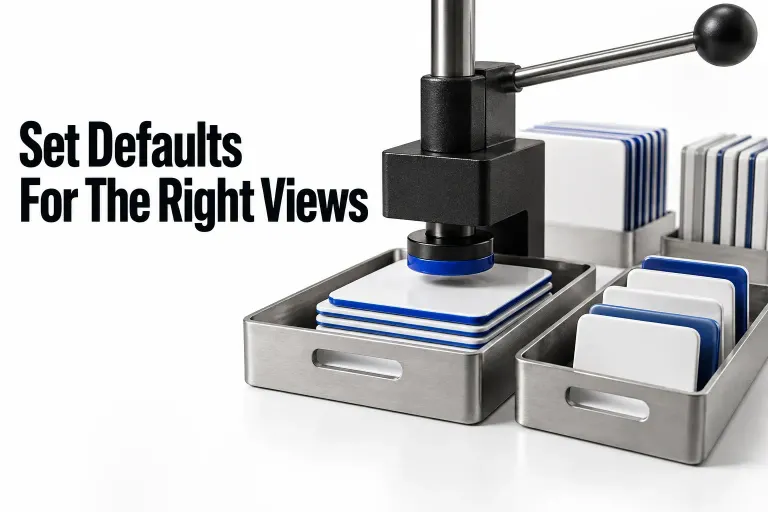
Choose which values belong in a reusable Notion database template, set its default view scope, and check new pages without rewriting existing work.
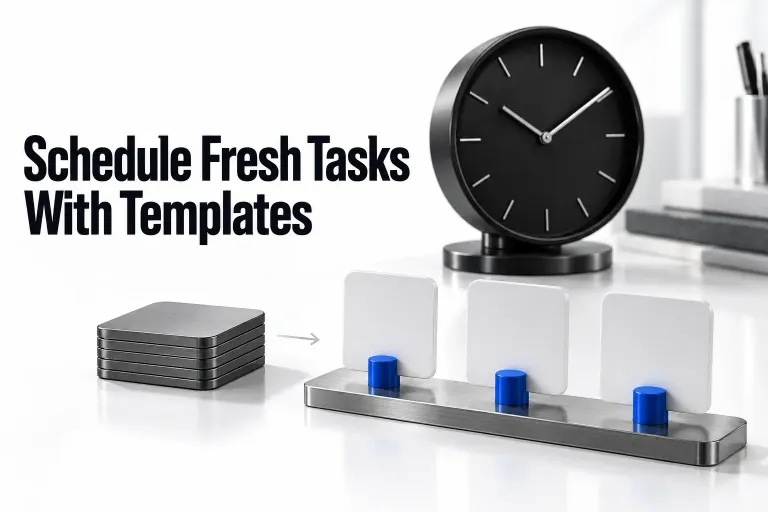
Schedule separate task pages from a Notion template, then check the first copy's properties, deadline, and visibility before relying on the repeat rule.
A Notion button runs saved actions on a click: a Button block on any page, or a Button property that puts one button in every row. Here's what each action does, which ones need a paid plan, who can click, six recipes to copy and a safe routine for bulk edits.
Send POST /v1/pages with parent.data_source_id, properties that match the schema and a Notion-Version header. Find the right ID, write each property type, add content or a template, handle errors, and plan a 1,000-row import with duplicate checks.
Open the formula guide for the counting question your workflow needs to answer.
Choose the access guide for instructions that need to appear in more than one place.