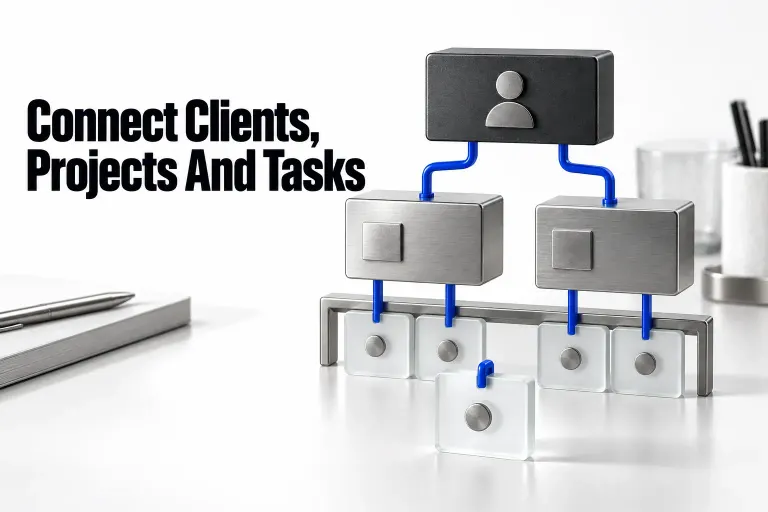
Build a Notion Client Project Tracker: Clients, Projects, Tasks
Build a small client-work tracker with clear relation limits, one shared task list, and views that show what needs attention. Includes a setup walkthrough and checks before real use.
A practical library for building,
organizing and working in Notion.
Template guides
Choose a starting structure for client work, personal planning, study or team docs, then use its guide to decide which records, properties and views belong in your workspace. Browse the published examples below.
Choose a published example below, then check its records, relationships and reuse limits.
Read the published structure guides, then check whether their records and workflow match what you need.
Build a small client-work tracker with clear relation limits, one shared task list, and views that show what needs attention. Includes a setup walkthrough and checks before real use.
A short template shortlist for freelance delivery, lead follow-up, and business administration, with the cost, dependencies, and client access checks that matter.
Choose the guide for the starting values or recurring records you want to organize.
Choose which values belong in a reusable Notion database template, set its default view scope, and check new pages without rewriting existing work.
Schedule separate task pages from a Notion template, then check the first copy's properties, deadline, and visibility before relying on the repeat rule.
Set up a budget, goal, habit, weekly, journal, meal or trip template and see which properties and views it needs.
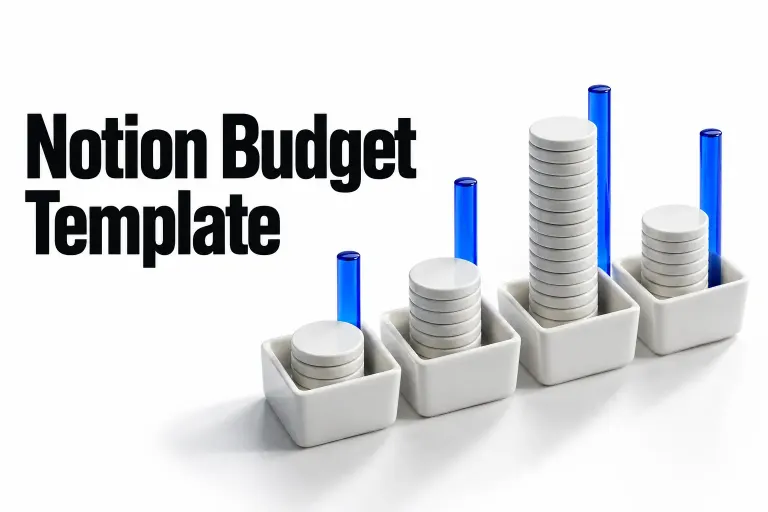
Notion's own Monthly budget template is the free pick to try first. Keep any template past month one only if it logs each transaction with a Date, an Amount and a Category; otherwise build two databases with four formulas that start over every month.
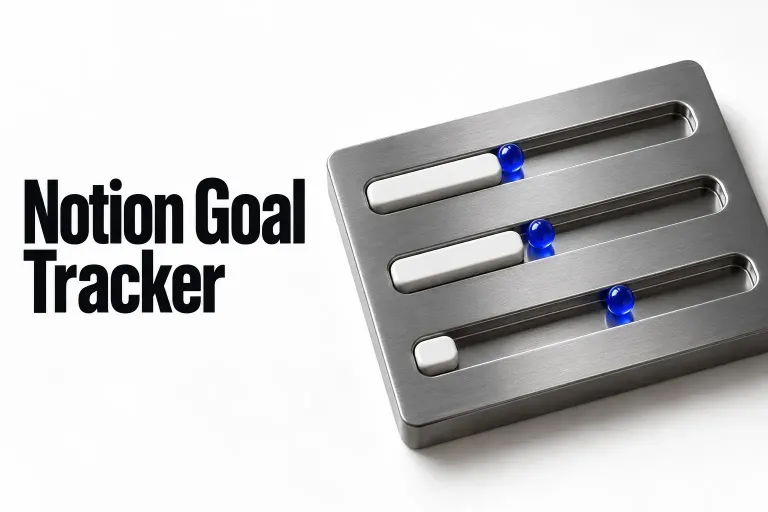
Notion's own Goals template, rated 4.80 from 618 reviews, is the free one to try first. Keep it only if progress moves when you check off a milestone; otherwise build Goals and Milestones with a Percent checked rollup, one Progress % formula and a pace check against the target date.
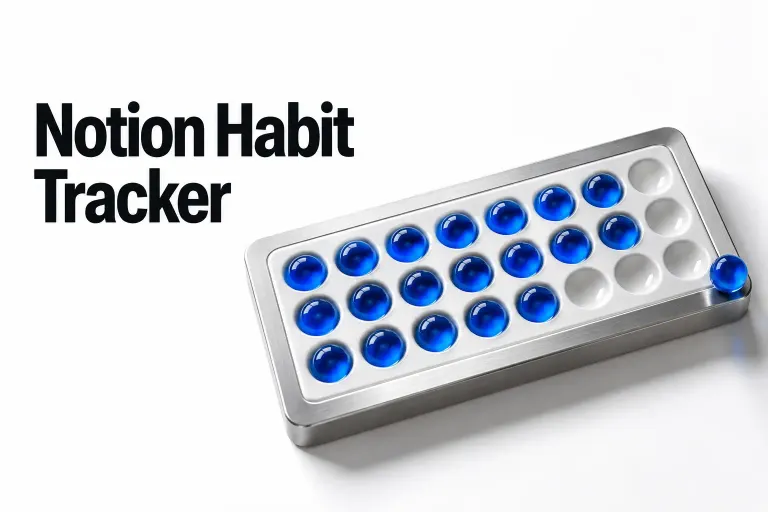
A Notion habit tracker is day rows or a Habits database with a Check-ins log. Choose by how fixed your habits are, keep the habit list in one formula, and compare 16 rated templates, charts, home screen widgets and an Atomic Habits setup.
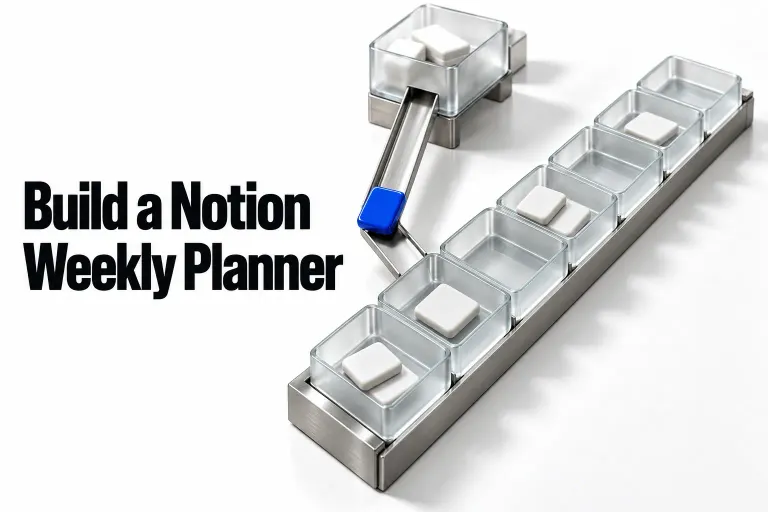
A Notion weekly planner is either a weekday board or dated tasks with week views. Choose by whether your week repeats, build a This week board grouped by day with an Overdue view, add a Monday week page, and compare 13 well-reviewed free templates.

A Notion journal fits work logs, reflection journals and bullet journals beside your plans: one database, a template that dates itself and repeats daily, and an on-this-day view. Keep a private diary in an end-to-end-encrypted app; Notion doesn't document end-to-end encryption or an in-app lock.
A Notion meal planner is three related databases: Recipes, a Meal Plan on a calendar and Ingredients. Duplicate a free template for its look, or build the three so the grocery list fills itself from the next seven days of meals.
A Notion itinerary is two related databases, Trips and Plan items, with one row per flight, stay or activity, viewed as a calendar, a timeline and a map. Duplicate a free template if you like its look, then make the trip page available offline on your phone and set its first view to this trip.
A Notion vision board works best as a gallery database: an Image property as the card preview, Name switched off, large cards and a link from each picture to its goal. Want a template instead? The 13 well-reviewed free boards sit between 4.74 and 4.97 stars, so choose by shape.
Connect a reading list, a second brain or a student workspace to its sources, notes and deadlines.

Choose Notion's Reading list for books, articles and podcasts, or a book tracker for a ready-made shelf. Build one Library with page-based progress, covers, a yearly count and Book notes.
Three related databases, an Inbox view and a repeating weekly review are all a Notion second brain needs. Here's the PARA build, a 14-job audit of what Notion does natively, four Free plan cautions, and when Zapier's, Easlo's or Thomas Frank's template is worth using.
The best college template relates Courses to Assignments and Class Notes. Build it step by step, see the 16-job semester audit, compare rated templates and claim the free Education Plan without its one-shot traps.
Build a portfolio, resume, college application or job tracker, or collect ideas on a moodboard, and see which properties and views each one needs.
Pick a free Notion portfolio template by structure, not stars: the five rated ones in Notion's own collection score 4.74 to 5.0. Then build the Projects gallery and contact form on Free, publish on notion.site, check what goes public, and add your own domain at $18 a month billed yearly.
Start from the most-reviewed free template, then give each college one row with a dated deadline, keep shared essays and letters in one place, count the days left, record ED or EA, and share the tracker with a parent or counselor on Notion's Free plan.
Structure meeting notes, SOPs and a company wiki so the current page is the one people open.
The meeting notes template worth building in Notion is a database template with Agenda, Notes, Decisions and Action items, a relation to Tasks and a repeat schedule. Build it, pick a free template to start from, and set up AI Meeting Notes with consent and your own summary instructions.
A Notion SOP setup that holds up is an SOP library database with an owner, an SOP ID and a review date on every procedure, plus a run template in Tasks for each job you repeat. Here's how to build both, who should edit, and what 33 marketplace SOP listings' ratings say.
Turn one page into a Notion wiki, give every page an owner and an expiring verification, and set access by teamspace. A 14-point plan audit shows why Plus is the floor for a team and when Business is worth it: a private HR area, verifying pages outside the wiki, or cited AI answers.