
Notion CRM for Freelancers: A Simple Client Workflow
Start with Clients and Projects, then keep each relationship moving with a next action and review date. This guide explains the follow-up queues and limits that matter.
A practical library for building,
organizing and working in Notion.
Guide library
Find the guide for the job in front of you. Use the setup path for a new client workspace, browse a topic you already know, or move straight to the problem you need to fix.
Pick the kind of answer you need, then open a guide for that task.
These topic collections bring setup guides, fixes and comparisons together around the same part of your workspace.
A useful order
Follow these guides in order if you are starting from a blank structure. If you already have a workspace, open only the step you need.
Connect each project to its client and choose what to roll up.
Add projects and a shared task list with clear next actions.
Keep client relationships moving with follow-ups and review dates.
Choose the invitation role before sharing the workspace.
Grant access to the intended records and check the other routes in.
For work that repeats, continue with Notion Recurring Tasks: Choose a Schedule or Repeat After Completion.
Choose a guide for the part of client work you are organizing: the record structure, the project list, intake or the next action.
Start with Clients and Projects, then keep each relationship moving with a next action and review date. This guide explains the follow-up queues and limits that matter.
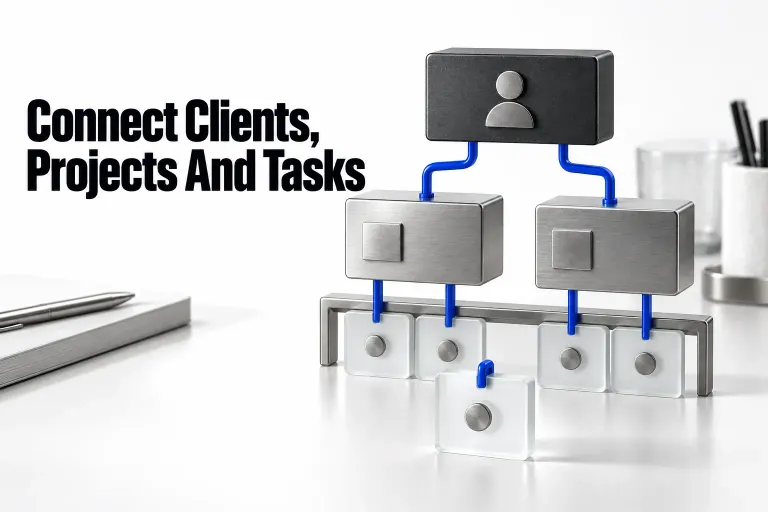
Build a small client-work tracker with clear relation limits, one shared task list, and views that show what needs attention. Includes a setup walkthrough and checks before real use.

A practical choice for document-heavy client work—once access, recurring tasks and export limits are clear.

Turn existing projects and tasks into a weekly review: surface late work, upcoming deadlines, waiting decisions, and gaps that filters can hide.
Find a guide for connecting records, choosing properties or explaining why a view is showing the wrong information.
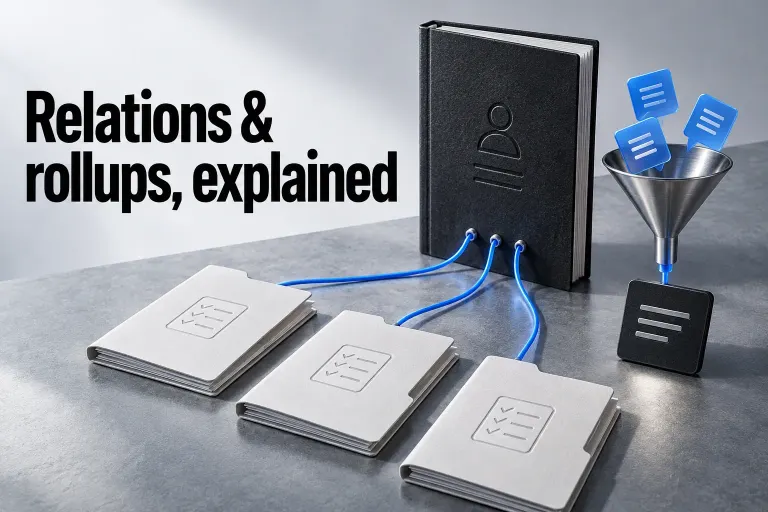
Connect each project to its client, then calculate only the values that answer a useful question.

An empty rollup needs a precise diagnosis. Trace the source value and relation, then check the calculation, unsupported inputs, access or integration retrieval.

Choose the layout from the next client-work decision, then set its source, fields, filters, dates, and access. Includes a small project example and current Chart, Form, and Dashboard conditions.
Choose the guide that matches the starting point: a schedule, an action, a dependency or a reminder.
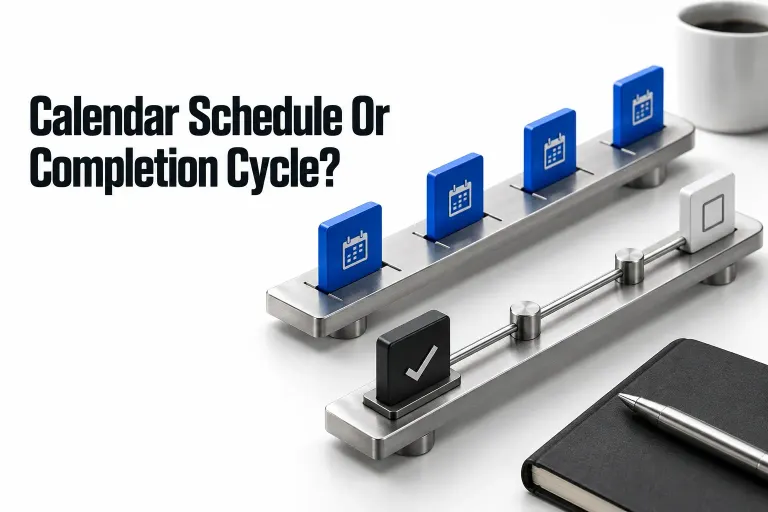
Choose what starts the next task: a calendar date or the actual completion of the previous cycle. Keep deadlines, task history and duplicate checks explicit.
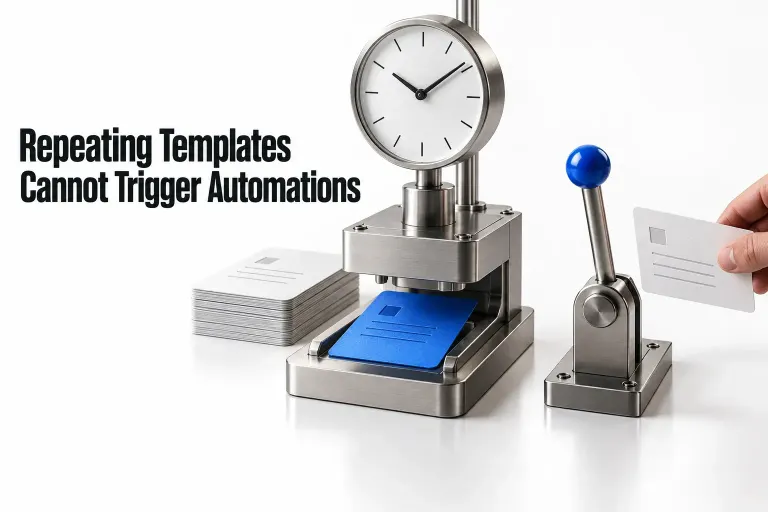
A recurring page can appear without starting its follow-up automation. Check the creation path, then choose template defaults, a direct schedule, or a deliberate human action.
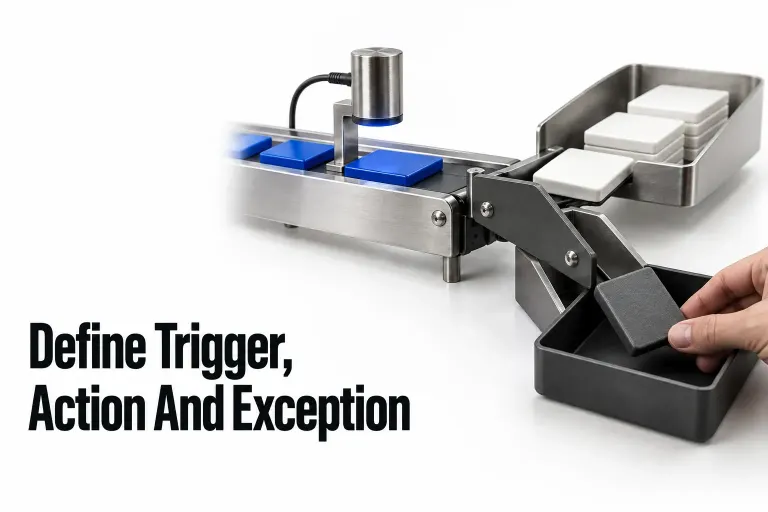
Plan a native Notion handoff before building it: define the event, eligible records, target, exceptions, and the evidence you need before retrying.
Open the guide for the calculation or error you are dealing with. Keep the input type and the counting question in view.

A date-looking value can be Text or a List. Trace the input type, keep date calculations as Date values, and decide whether an automation should clear or preserve its target.

A date difference and an inclusive calendar count answer different questions. Check the inputs, range endpoints and clock before adding one to dateBetween.
Start with the person who needs access, then choose the guide for the page, record or shared block involved.

Choose a guest for selected client pages or a member for ongoing workspace work. Compare access, current guest allowances, annual seat costs, and the invitation settings that can change the role.

Share a private client portal, grant access to the right records, and check the routes that can expose more. Includes current page-level rules and submission options.
Use a comparison or review for the decision in front of you: a client database, a project workflow or an AI feature.

Choose Notion when client records need working documents. Choose Airtable when linked data and tailored editing interfaces drive daily client operations.

Notion AI makes the strongest case when your team already maintains its knowledge in Notion. Choose the right capability, calculate the plan and credit costs, and set a human review point before expanding.

Use Basic for page-based summaries, extraction, and tagging. Choose Custom Agent for wider search or coordinated updates, with access and credit checks.

Compare a project page with a task-led client workflow, then check client permissions, recurring work, annual member costs, and who will maintain the system.