
comparison
Notion vs ClickUp for Client Work: Choose the Workflow
Compare a project page with a task-led client workflow, then check client permissions, recurring work, annual member costs, and who will maintain the system.
A practical library for building,
organizing and working in Notion.
Keep client follow-ups moving and share the right records with the right people. These guides, role comparisons and reviews connect workspace design with access decisions.
Compare a project page with a task-led client workflow, then check client permissions, recurring work, annual member costs, and who will maintain the system.

A practical choice for document-heavy client work—once access, recurring tasks and export limits are clear.
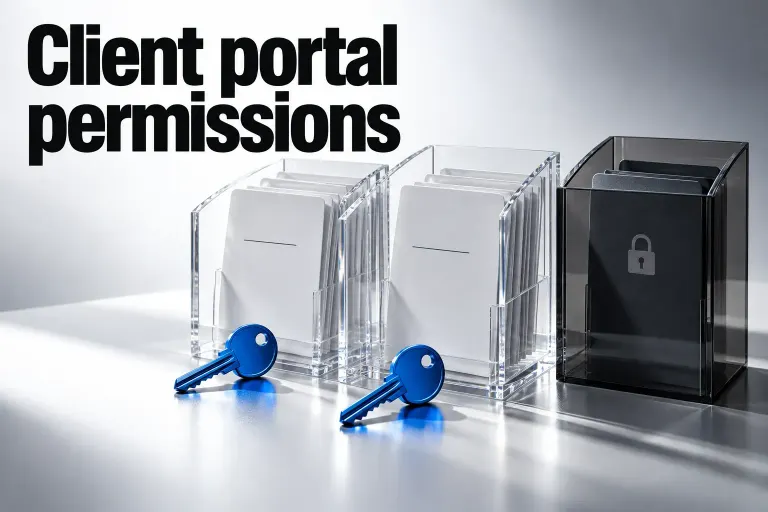
Share a private client portal, grant access to the right records, and check the routes that can expose more. Includes current page-level rules and submission options.
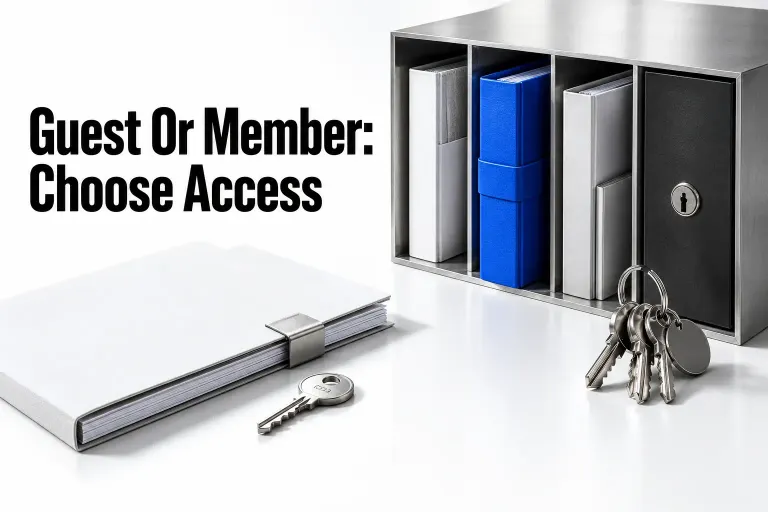
Choose a guest for selected client pages or a member for ongoing workspace work. Compare access, current guest allowances, annual seat costs, and the invitation settings that can change the role.

Start with Clients and Projects, then keep each relationship moving with a next action and review date. This guide explains the follow-up queues and limits that matter.