
Notion CRM for Freelancers: A Simple Client Workflow
Start with Clients and Projects, then keep each relationship moving with a next action and review date. This guide explains the follow-up queues and limits that matter.
A practical library for building,
organizing and working in Notion.
Workflow guides
Build the part of the workspace you need next. Start with clients and projects, then choose a guide for the database structure or recurring work behind them.
Use the section that matches your next task.
Start with the record structure you need, then choose the guide for project tracking or client follow-up.
Start with Clients and Projects, then keep each relationship moving with a next action and review date. This guide explains the follow-up queues and limits that matter.

Build a small client-work tracker with clear relation limits, one shared task list, and views that show what needs attention. Includes a setup walkthrough and checks before real use.

Turn existing projects and tasks into a weekly review: surface late work, upcoming deadlines, waiting decisions, and gaps that filters can hide.
Choose a guide for the records, links, properties or views you want to organize.

Connect each project to its client, then calculate only the values that answer a useful question.

Choose the layout from the next client-work decision, then set its source, fields, filters, dates, and access. Includes a small project example and current Chart, Form, and Dashboard conditions.
Find the setup guide for a repeating task, a reusable starting record or an automation rule.
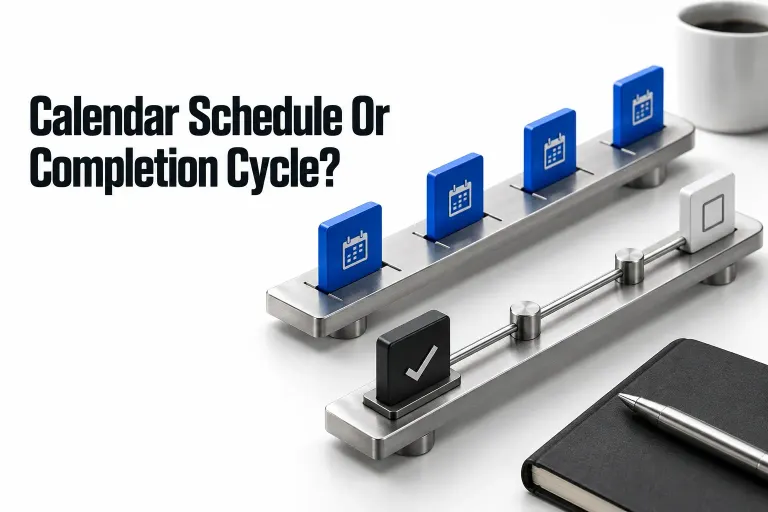
Choose what starts the next task: a calendar date or the actual completion of the previous cycle. Keep deadlines, task history and duplicate checks explicit.
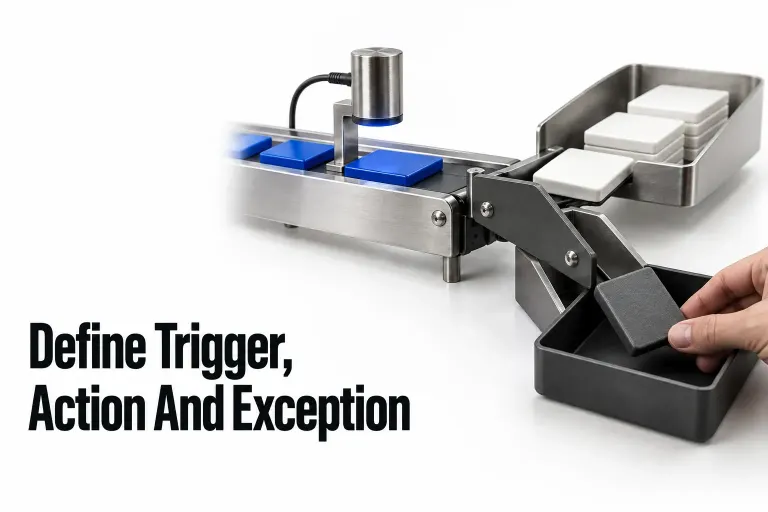
Plan a native Notion handoff before building it: define the event, eligible records, target, exceptions, and the evidence you need before retrying.